
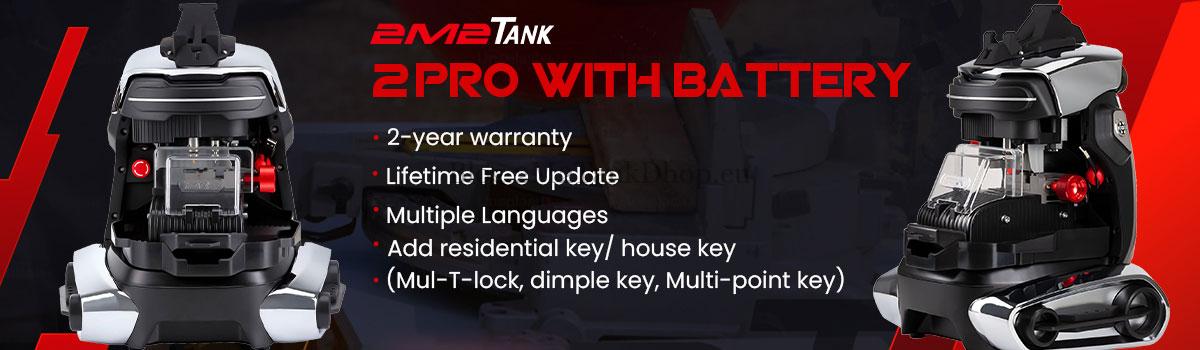

Learn how to set up and update your 2M2 TANK 2 PRO Key Cutting Machine with this quick guide. Follow simple steps to download the MagicTank app, register your device, and update the software, key database, and firmware. Keep your TANK II PRO CNC running smoothly with the latest features for precision key cutting. Perfect for locksmiths and DIY users.
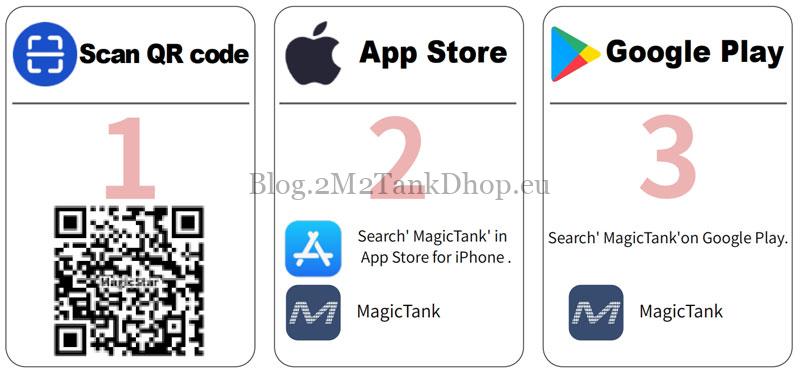
How to Download 2M2 TANK APP?
- Scan QR code.
- Search “MagicTank” in App Store on iPhone.
- Search”MagicTank” on Google Play.
How to Register 2M2 TANK 2 PRO Account?
Click “Register >> Sign up”.
Please sign up via phone number.

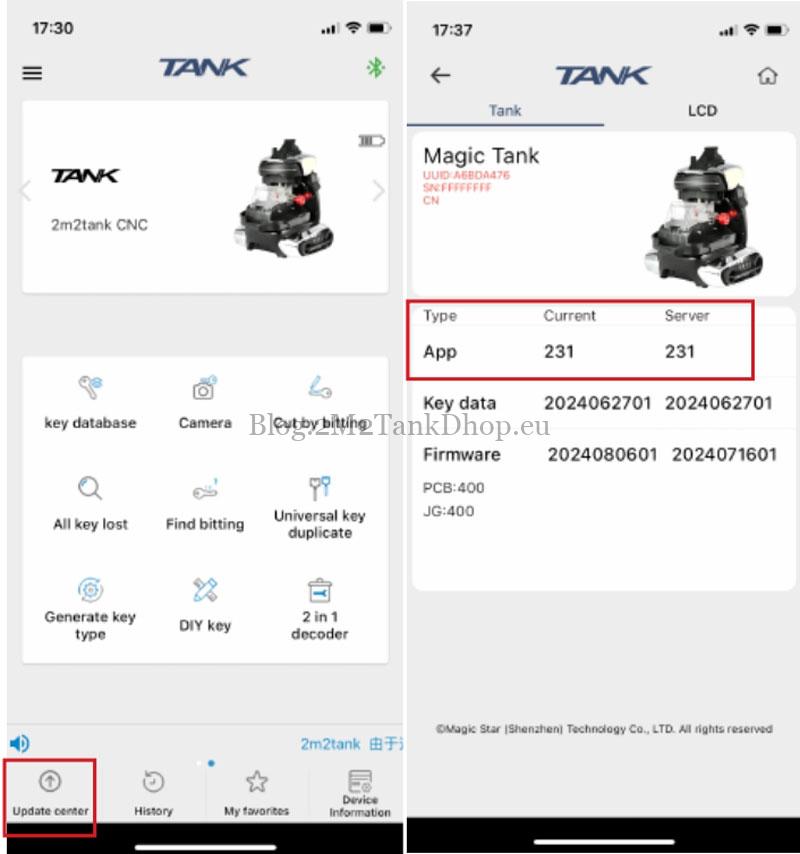
How to Update TANK II APP?
- Click “Update center”.
- Check whether the Local Version andServer Version are the same. The Server Version is the main, incon-sistent points to
How to Update 2M2 TANK Key Database?
- Long press on database version.
- Click “OK”.
- Wait downloading finished.

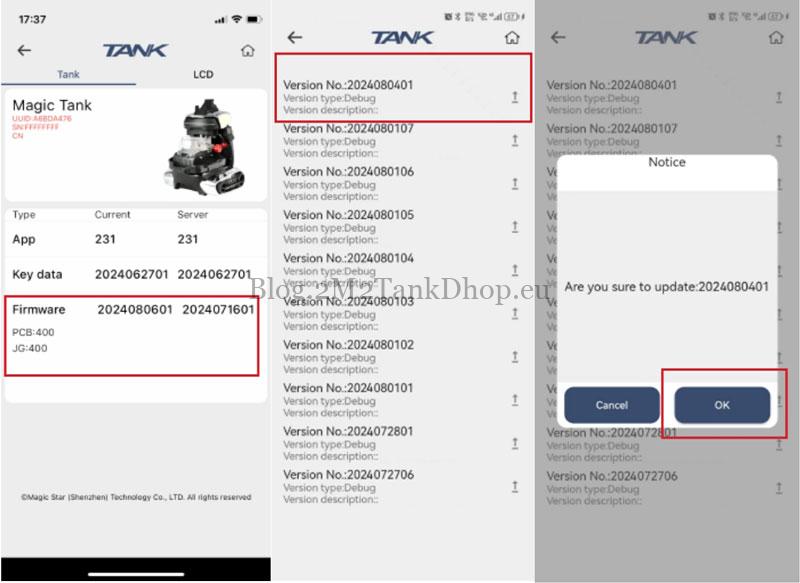
How to Update TANK II PRO CNC Firmware?
- Click version number that red circled.
- Click the first one for updating.
- Click “OK”.
Techncal Support
Email: Sales@2m2tankshop.eu
Phone: +86-15271813909
Whatsapp: +86-15271813909
This post has already been read 575 times!